Thinking tool · Write · Understand
Polyquill
A thinking tool for writing: a multi-panel lab where your drafts and AI collaborators work side by side.
Free · MIT-licensed open source · source on GitHub
What makes Polyquill different
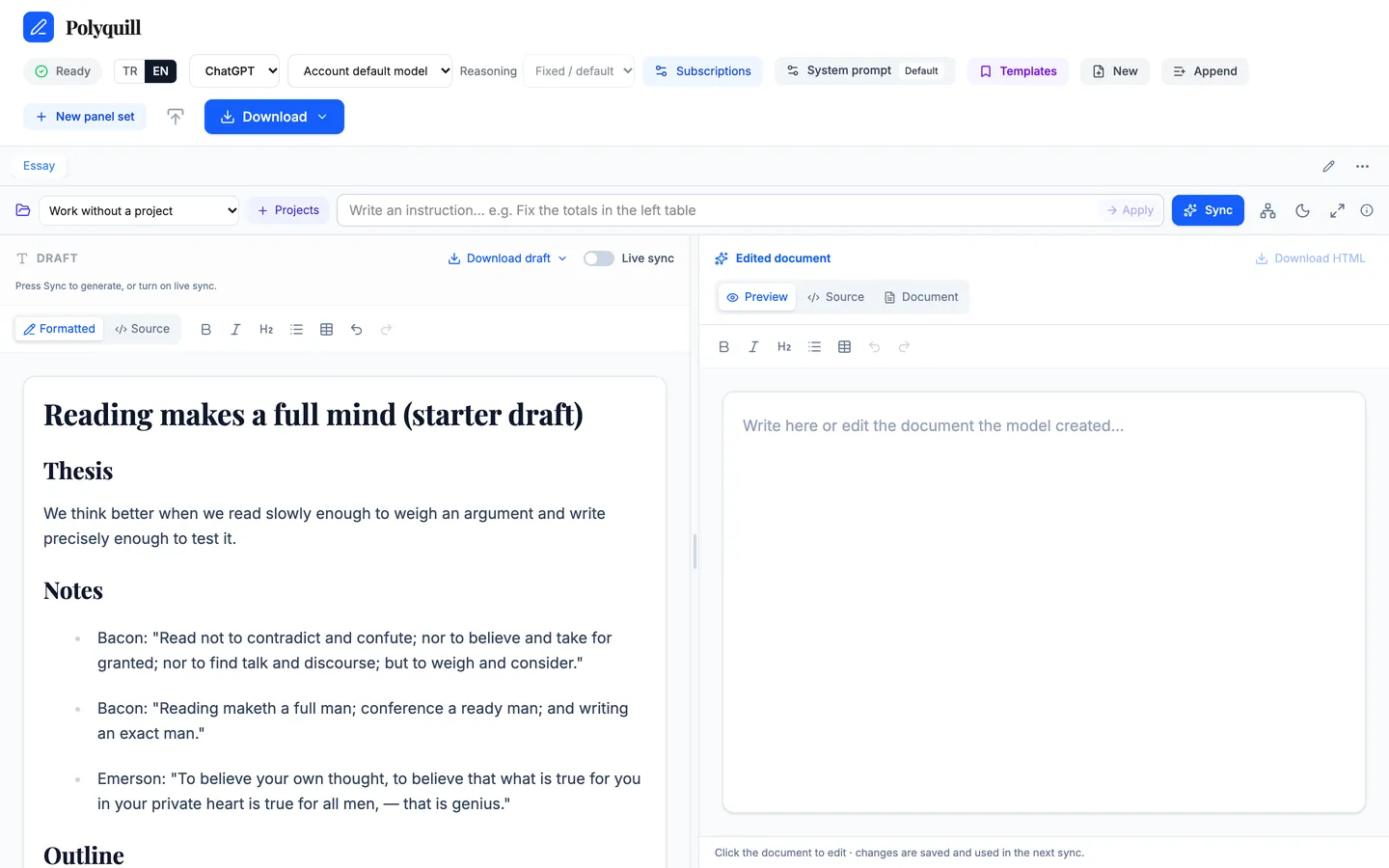
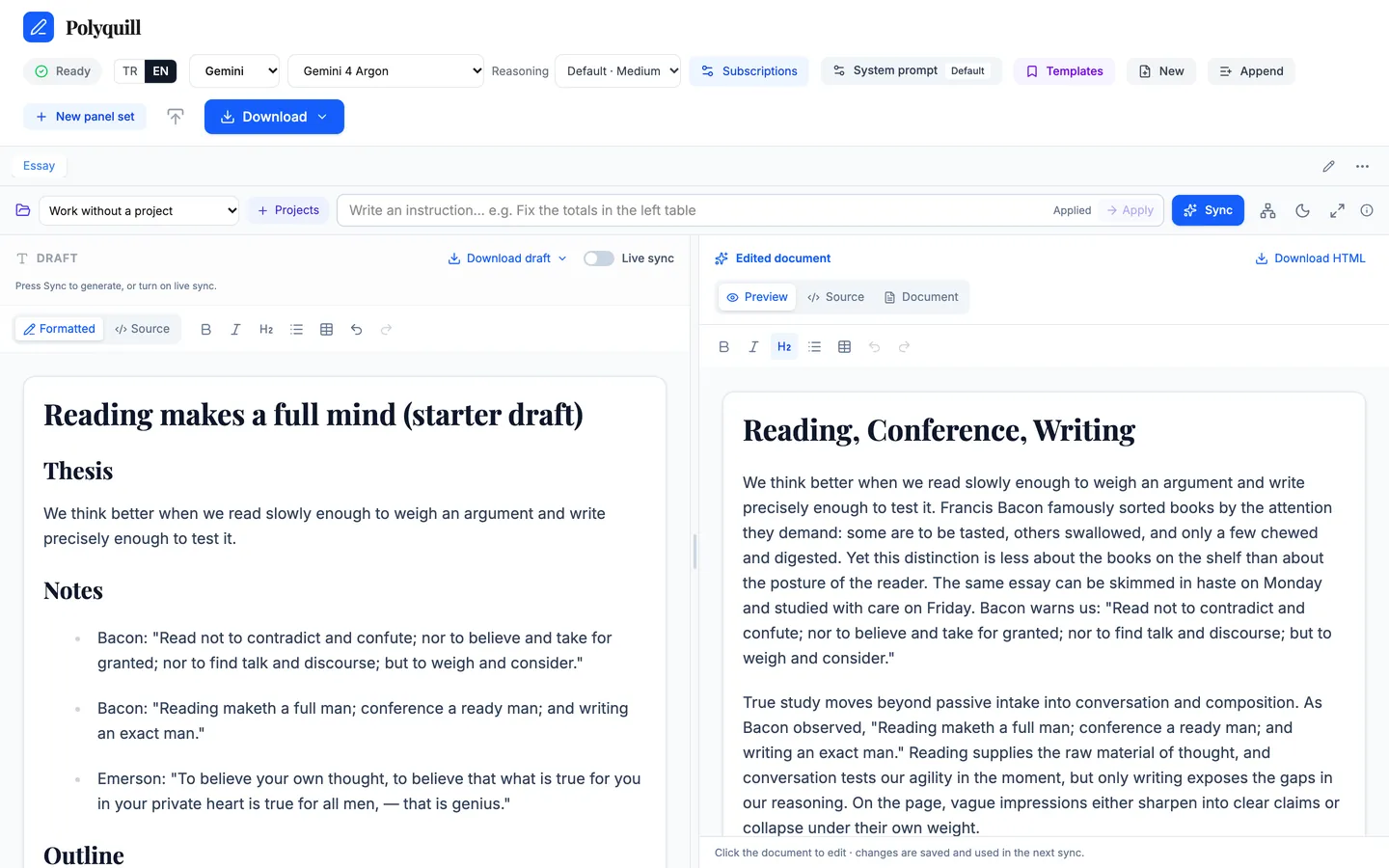
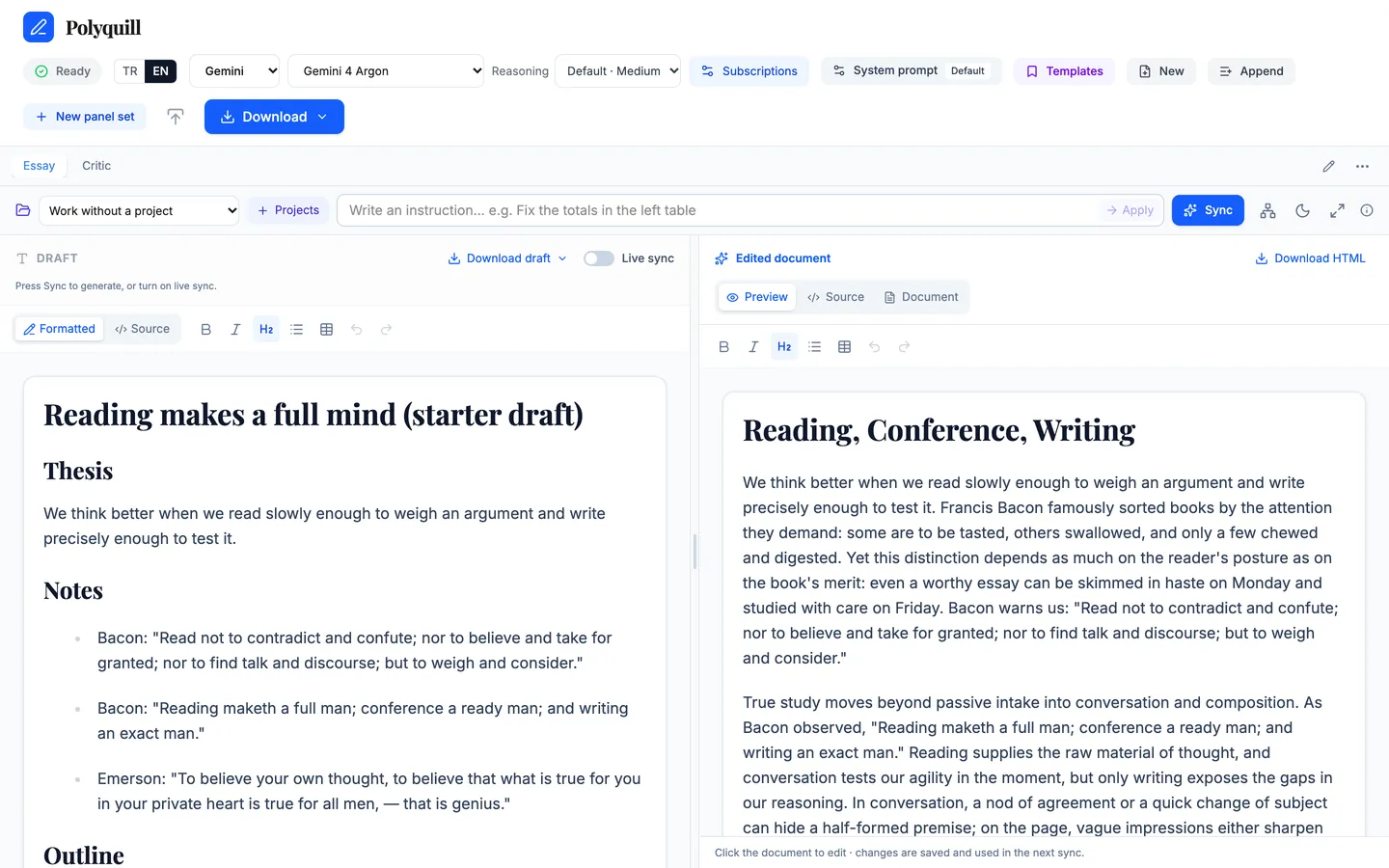
Two-pane live preview
Draft and instructions on the left; the document streams in live on the right as the model writes. Both sides stay editable.
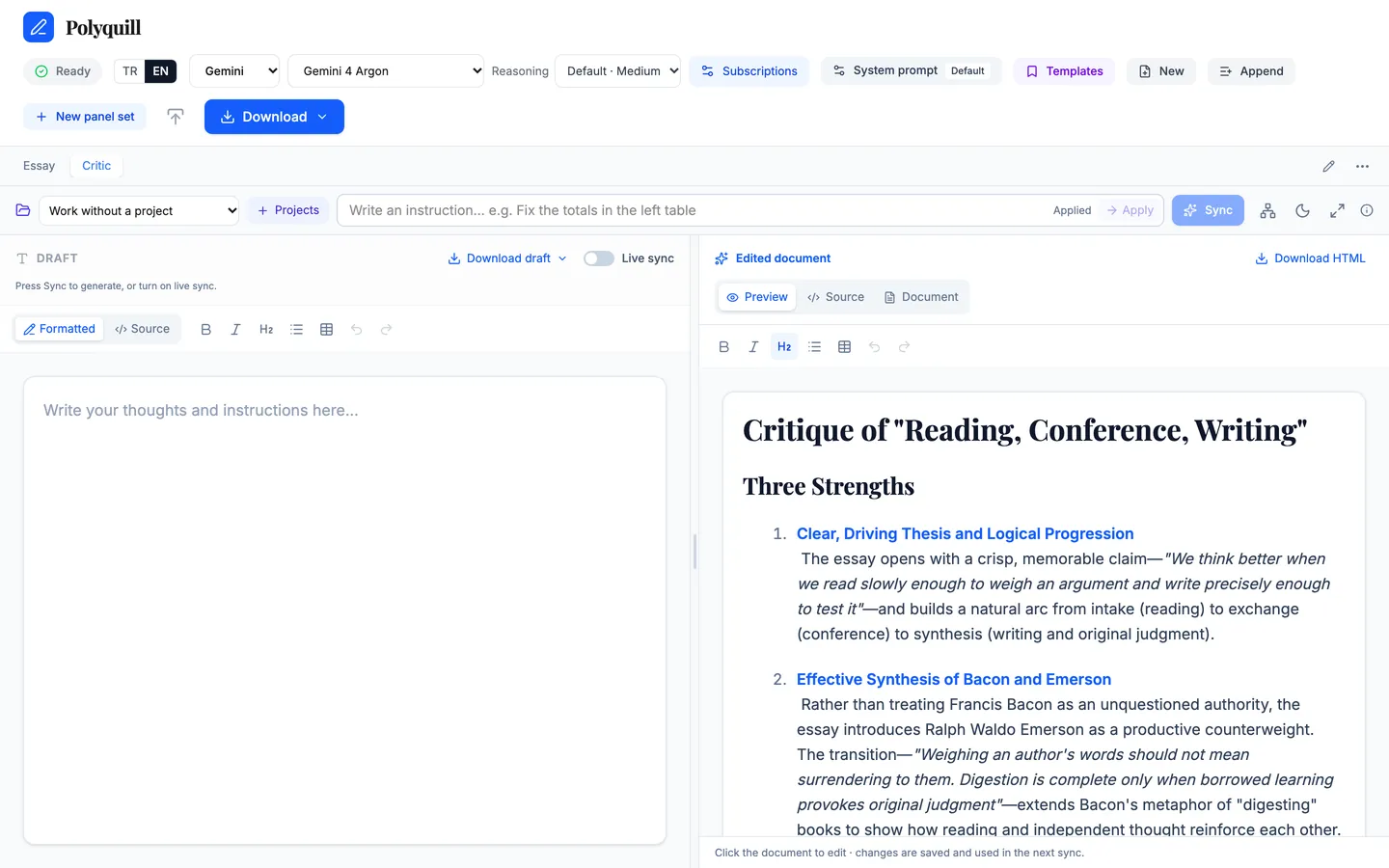
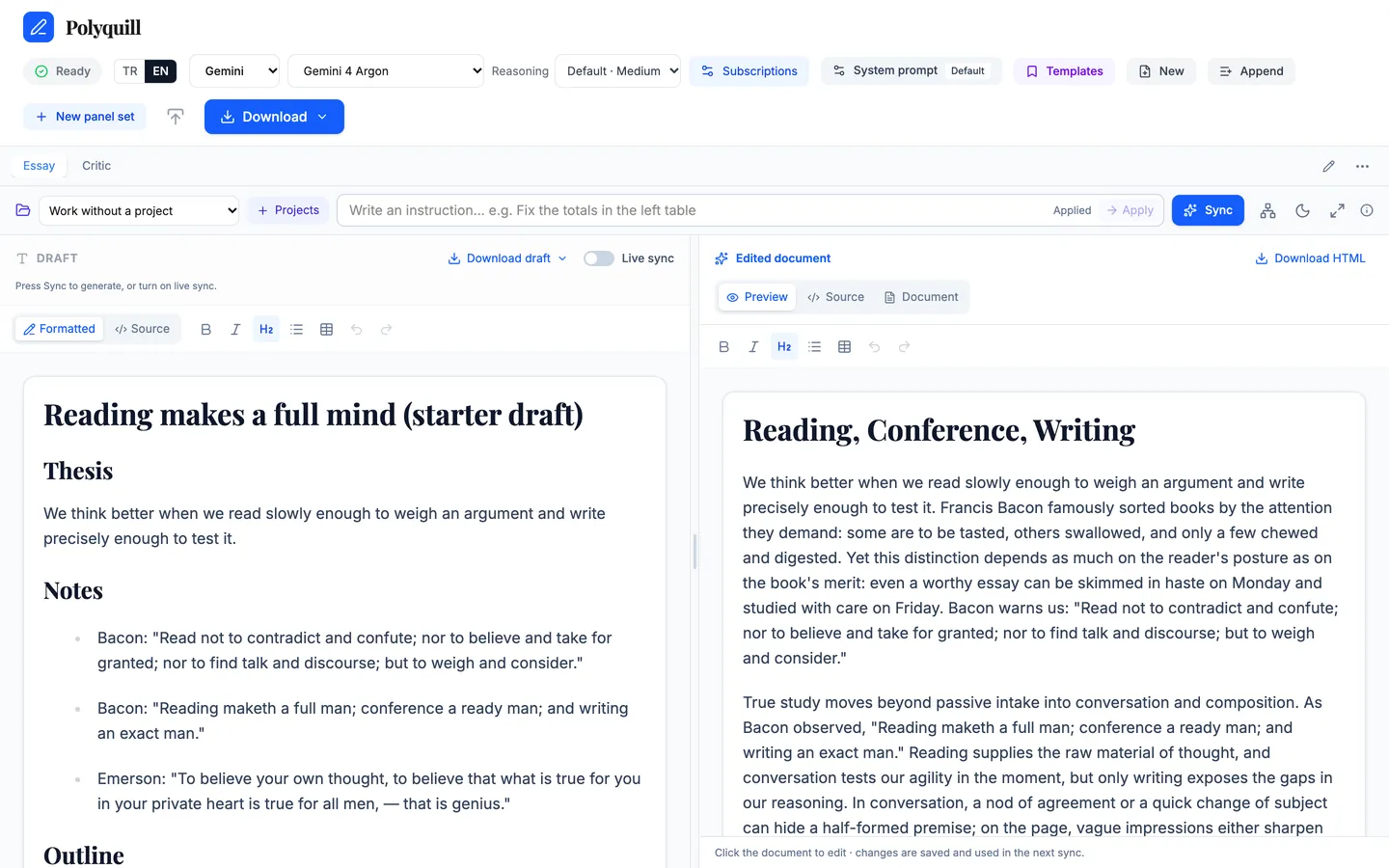
Panel sets
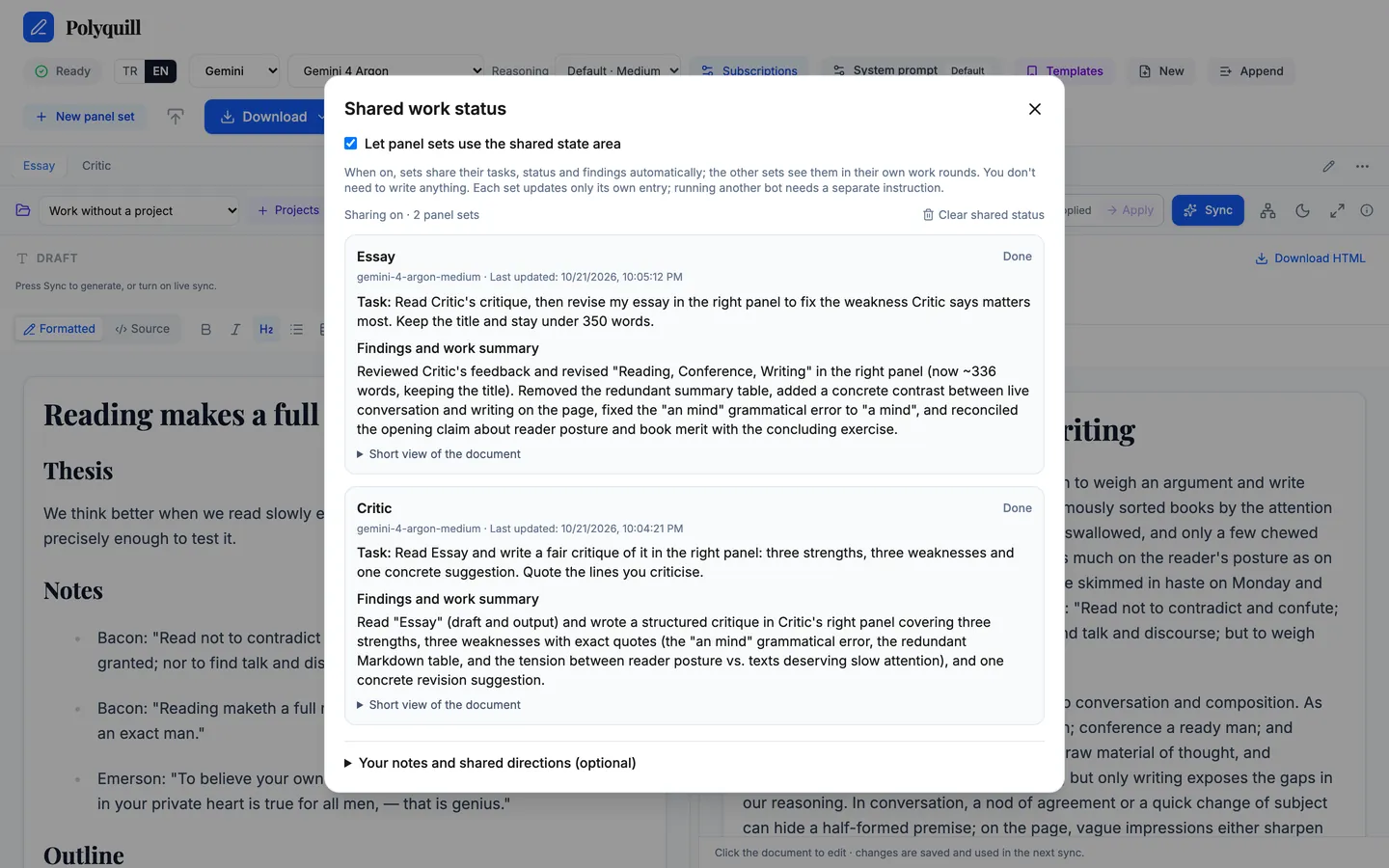
Open several left/right workspaces side by side, each a separate collaborator with its own provider, model and conversation.
Panels that talk to each other
In plain words: “Read panel set 2, include it in your work, and get panel set 3's critique.” Sets read, consult and delegate to one another.
A shared memory
Turn on the shared workspace and every set's task, status and findings are kept on a common board the others can use.
Live sync
Pause typing for 1.2 seconds and the draft is sent; keep writing while it works.
See it in action
Recorded on the author's Mac with the apps' real interfaces. All AI output is real, from a signed-in CLI (Kimi or Gemini); only the time spent waiting for the model was cut.
Screenshots
Runs on your own AI subscription
Polyquill does not include any AI account. It talks to the official command-line tools that you install and sign in to on your own computer, using your own subscription and quota:
- ChatGPT (Codex CLI)
- Gemini (Google Antigravity CLI)
- Kimi (Kimi Code CLI)
- Cursor (Cursor CLI)
- Claude (Claude Code CLI, subscription login)
Requests go from your machine to your provider under your account. Nothing uses the author's accounts, no API keys are bundled or stored, and there is no Thinking Tools Lab server in between. What you can use depends on your provider plan.
English and Turkish
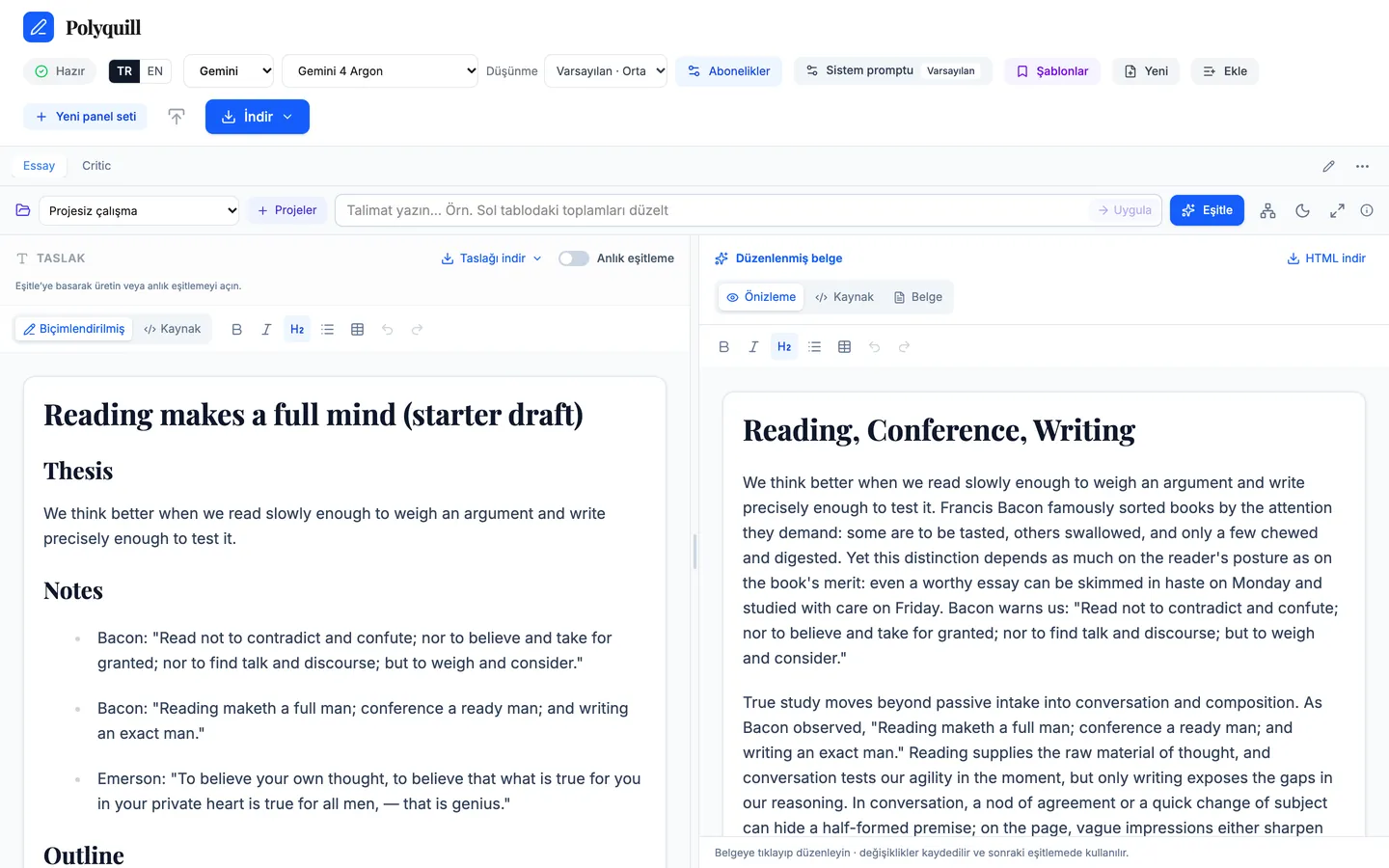
Switch the interface between EN and TR at any time. The same screen in both languages:
Also included
- Pick provider, model and thinking level per panel set.
- Rich editing in both panes, with a Source view for Markdown or HTML.
- Links open in side tabs: HTML, DOCX, XLSX, PPTX, PDF and Markdown, previewed and edited on a local copy.
- Web research through the provider's own tools, with links to sources.
- Local projects as context (AGENTS.md / GEMINI.md respected), prompt templates and a custom system prompt.
- Export to HTML, Markdown, Word, PDF, Excel and mind map; full screen, dark and light themes.
- Platform
- macOS 13 or later as a native app (AppKit + WKWebView). It can also be run from source in a browser on localhost (Node.js 22.19+).
- AI
- Central: the model you choose writes and revises the document; your own manual edits need no model call.
- License
- Free · MIT-licensed open source · source on GitHub
- Language
- Menus in English and Turkish, with a language switch. Built-in AI prompts are in English, available in Turkish, and fully editable or replaceable with your own.
- Status
- In development.
The other thinking tools
Tabulect · Read · UnderstandFeedcairn · Read · UnderstandAll apps