Thinking tool · Read · Understand
Feedcairn
A thinking tool that feeds your reading: AI finds sources for you and researches across everything you follow.
Free · MIT-licensed open source · source on GitHub
What makes Feedcairn different
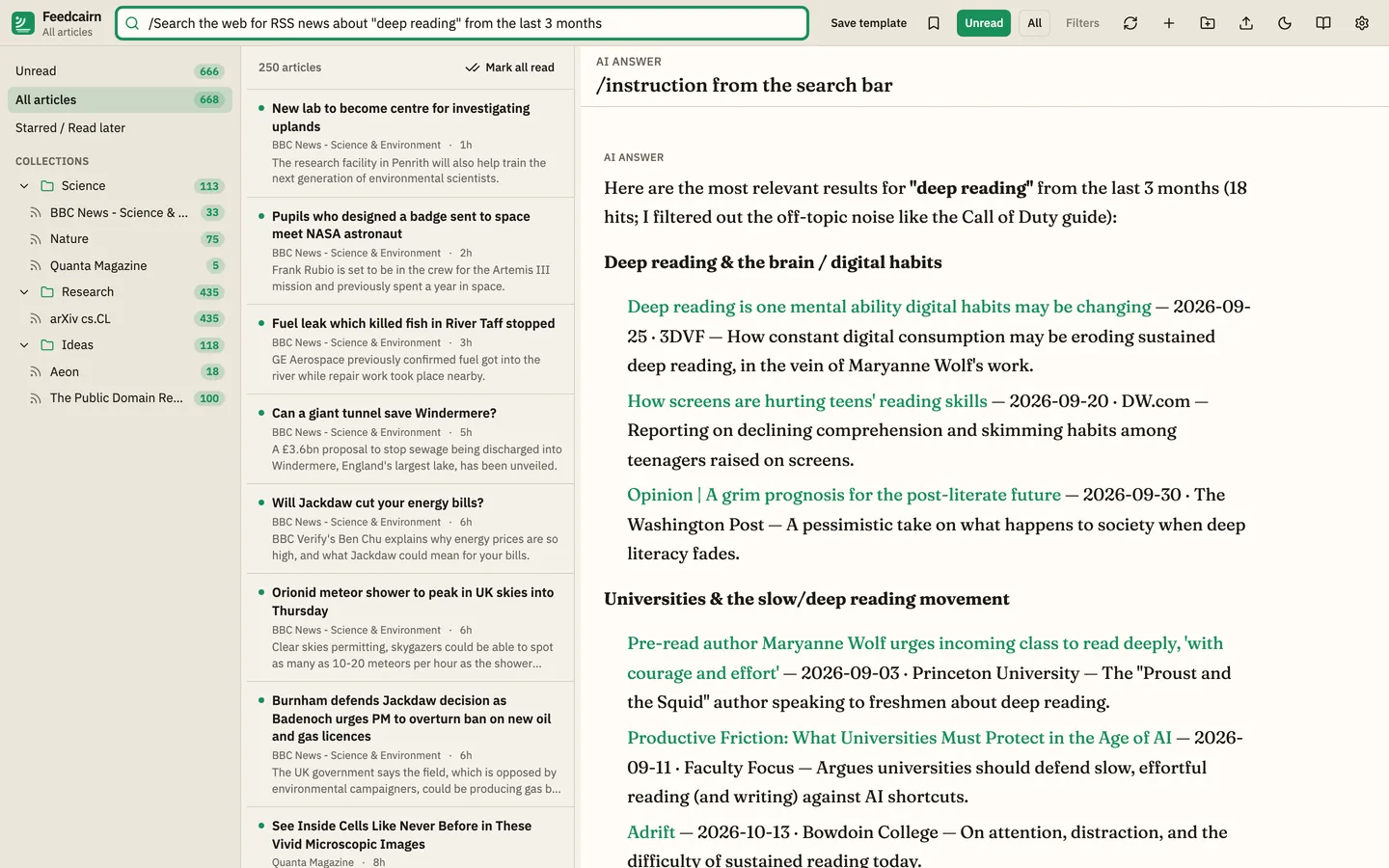
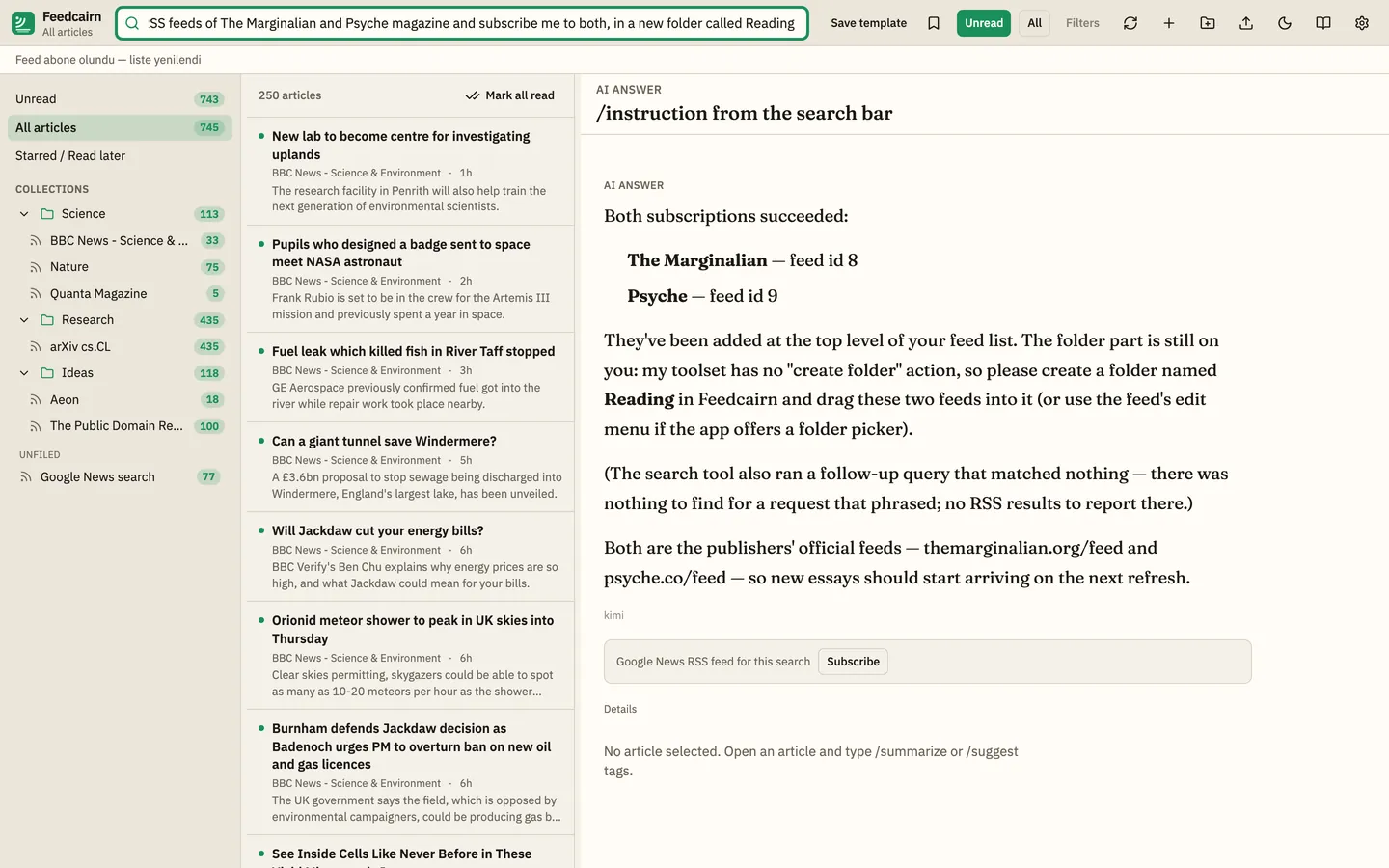
AI finds feeds and subscribes you
Ask for a topic and time window; the AI searches live news feeds on the web, lists what it finds, and adds the feed for you or offers a Subscribe button.
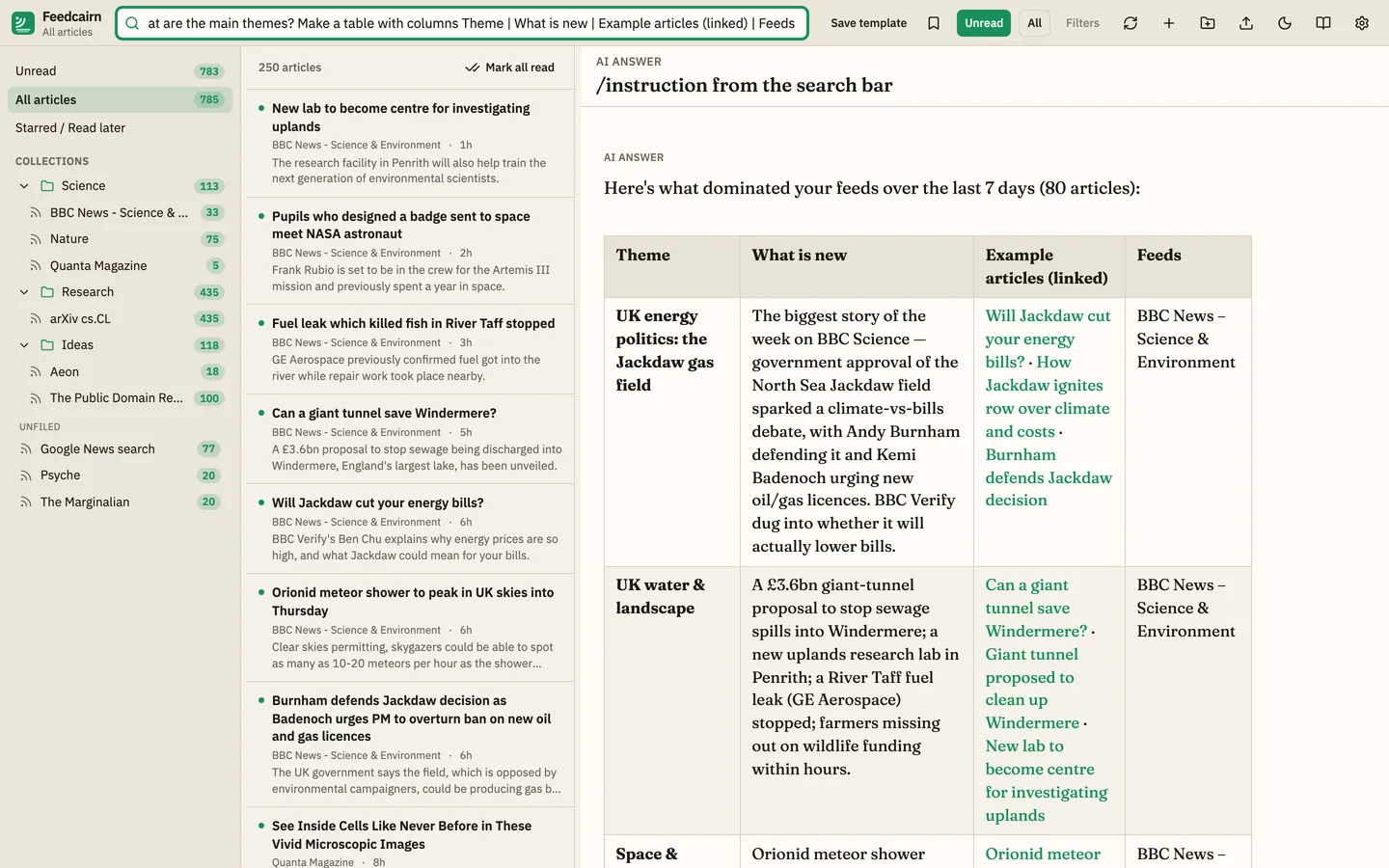
Research across your feeds
Ask anything about a folder, a search or your whole library; the AI reads the matching articles from your local database and answers.
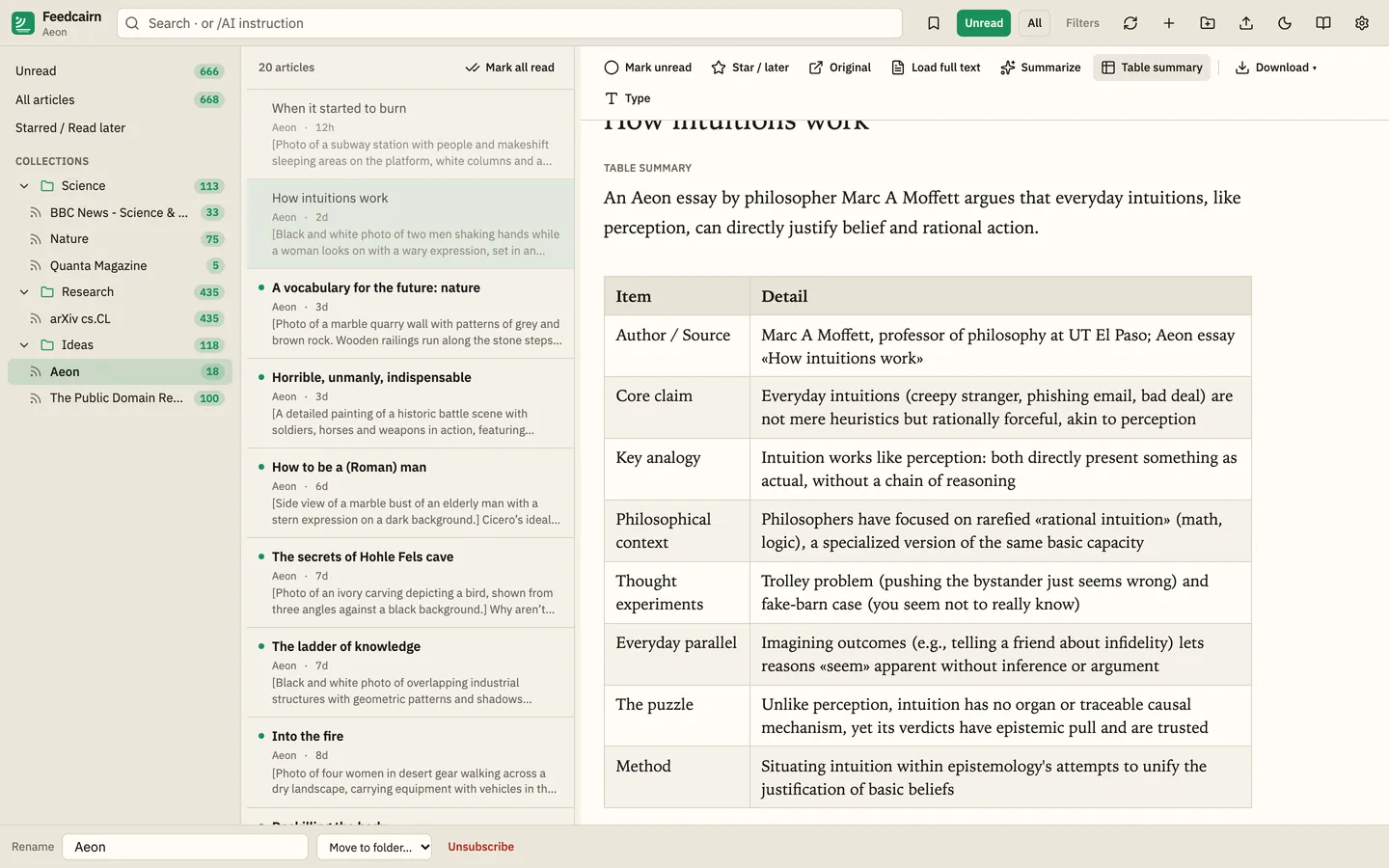
Anything AI can do, on your corpus
Reports, comparisons, tables, diagrams or HTML, in whatever format you ask, saved straight into your notebook if you want.
Your own AI subscription
Capabilities usually locked behind paid subscriptions, here running on the AI plan you already have.
See it in action
Recorded on the author's Mac with the apps' real interfaces. All AI output is real, from a signed-in CLI (Kimi or Gemini); only the time spent waiting for the model was cut.
Screenshots
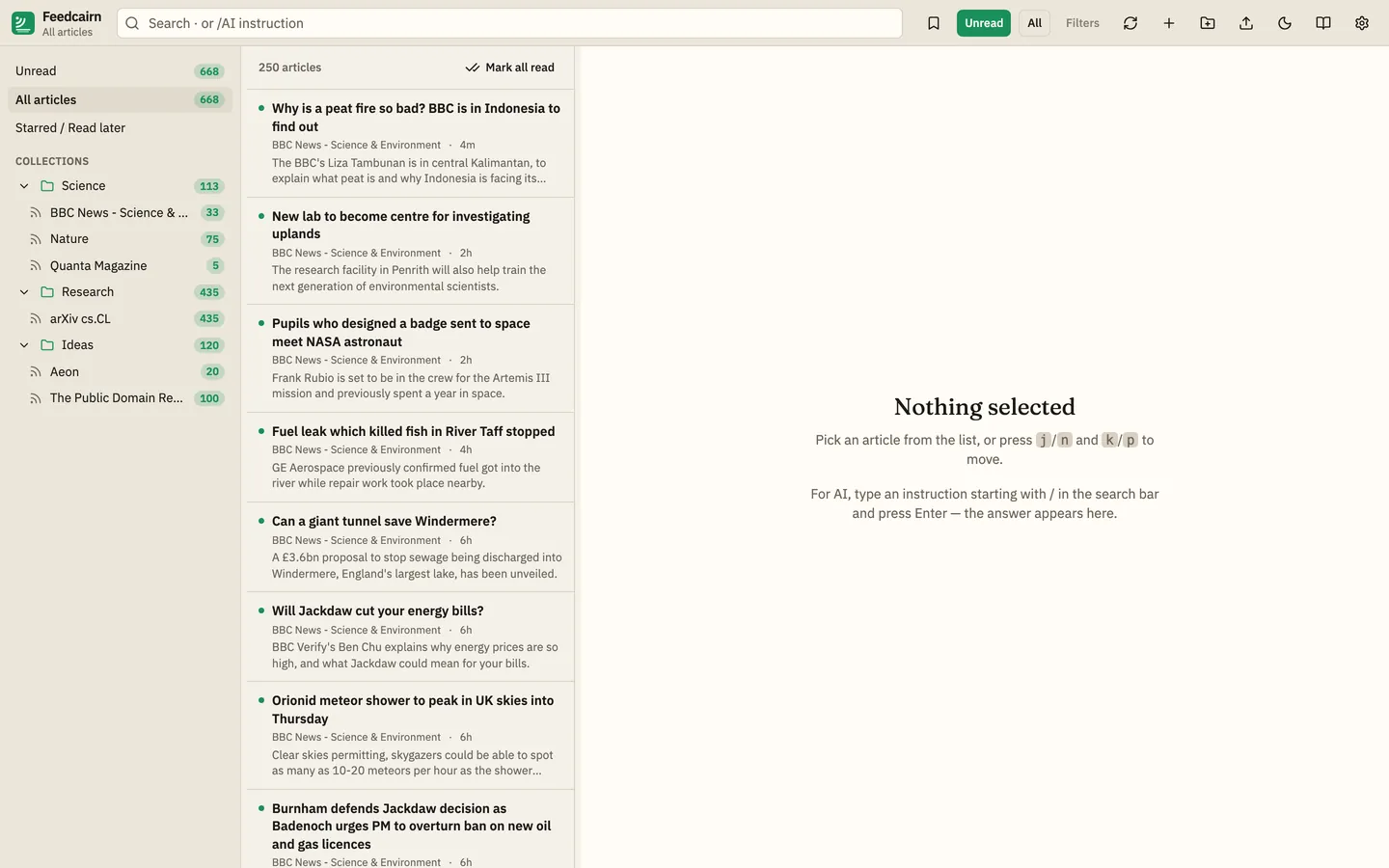
Runs on your own AI subscription
Feedcairn does not include any AI account. It talks to the official command-line tools that you install and sign in to on your own computer, using your own subscription and quota:
- ChatGPT (Codex CLI)
- Gemini (Google Antigravity CLI)
- Kimi (Kimi CLI)
- Cursor (Cursor CLI)
- Claude (Claude Code CLI, subscription login)
Requests go from your machine to your provider under your account. Nothing uses the author's accounts, no API keys are bundled or stored, and there is no Thinking Tools Lab server in between. What you can use depends on your provider plan.
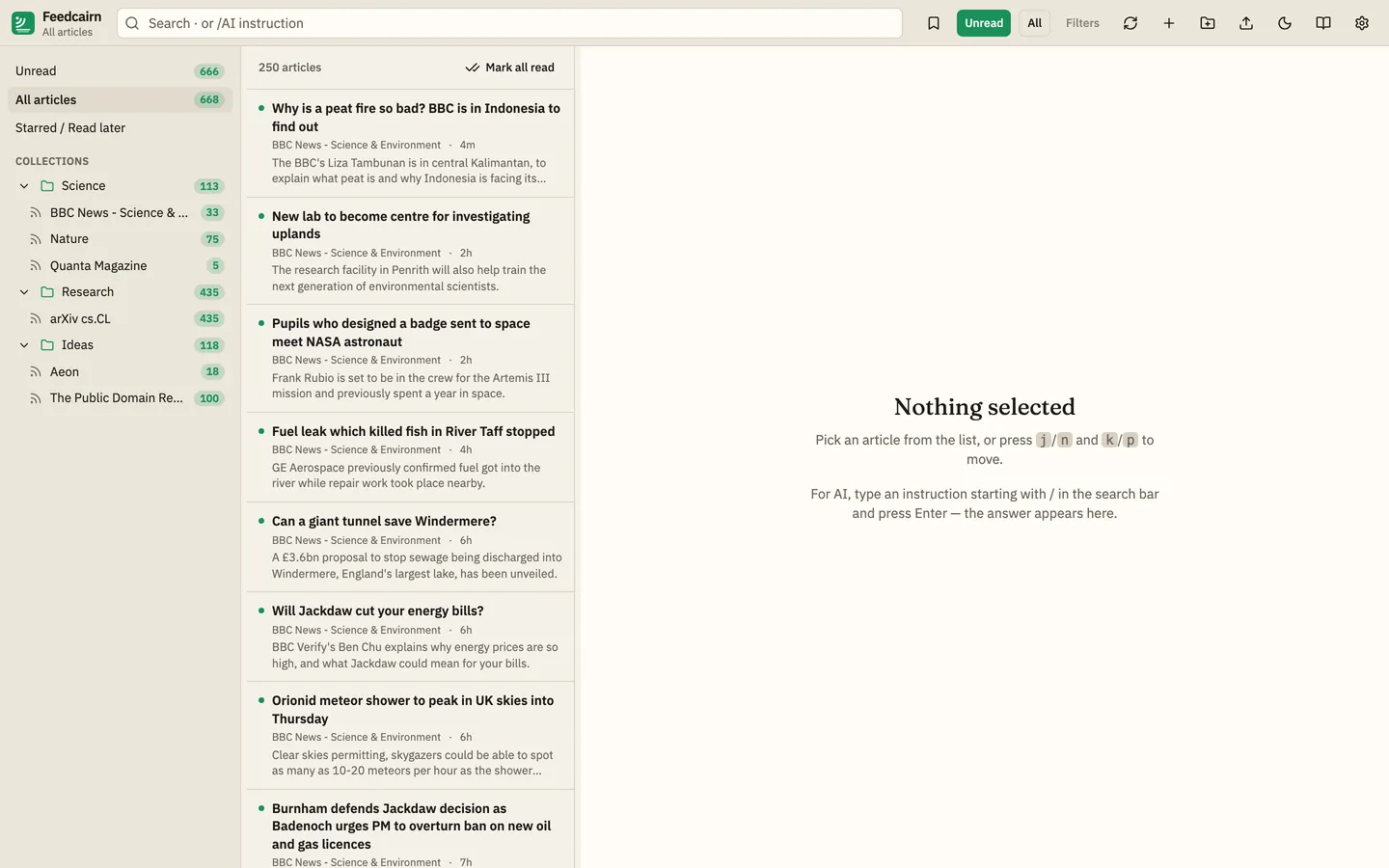
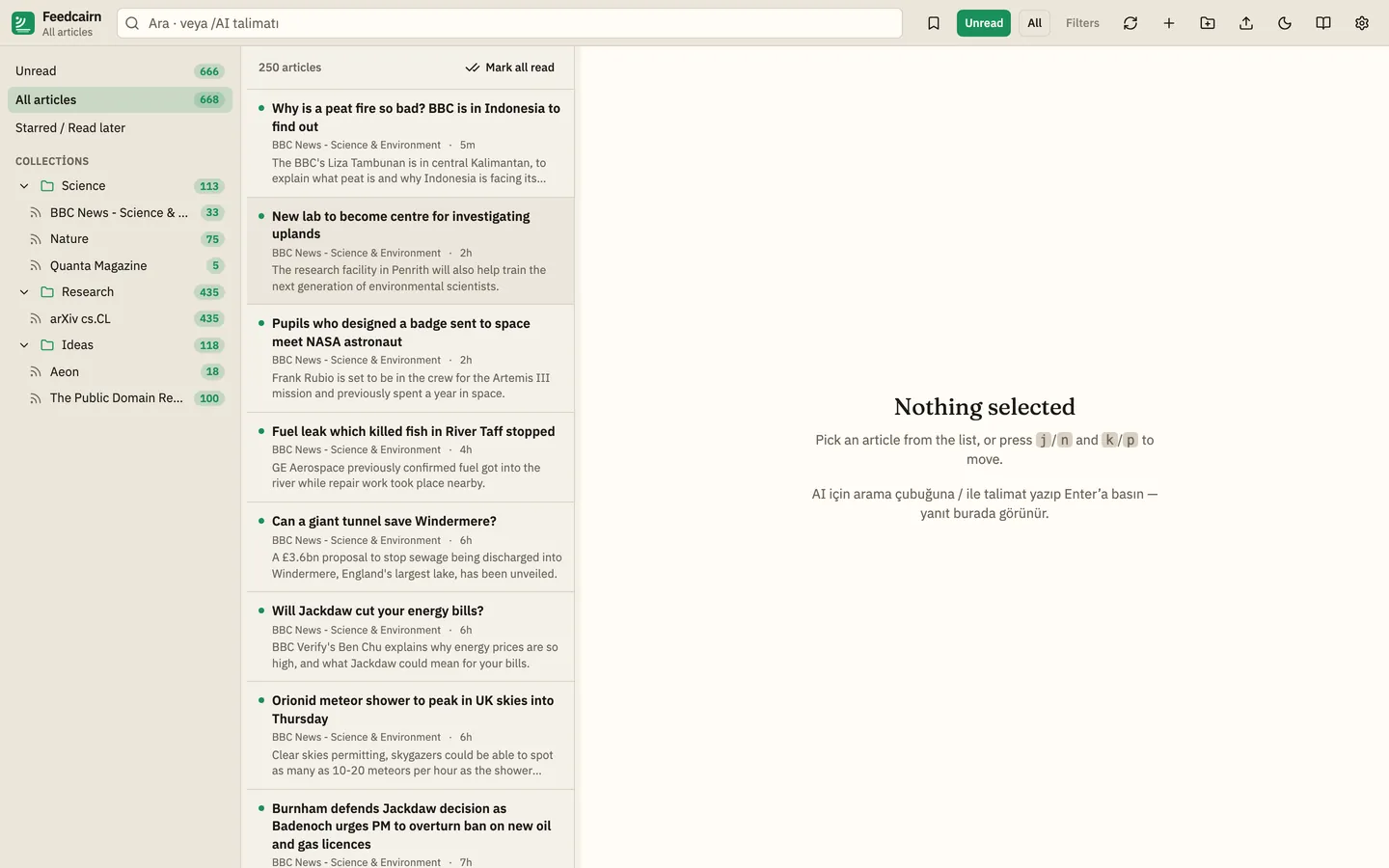
English and Turkish
Switch the interface between EN and TR at any time. The same screen in both languages:
Also included
- Three-pane reader: folders with unread counts, article list, sanitised reading pane; unread, all and starred views.
- Keyboard: j/k or n/p, m read, s star, o/v open original, r refresh, / search, ? cheat sheet.
- OPML import and export with nested folders; local SQLite library, no account; starts empty.
- Incremental fetching with ETag / Last-Modified and duplicate removal.
- Summarize, Suggest tags and What changed actions; export AI output and articles as Markdown or PDF.
- Dark and light themes with adjustable reader font and size.
- Platform
- Desktop app for macOS and Linux (Tauri 2).
- AI
- Optional: the reader works fully without it.
- License
- Free · MIT-licensed open source · source on GitHub
- Language
- Menus in English and Turkish, with a language switch. Built-in AI prompts are in English, available in Turkish, and fully editable or replaceable with your own. AI answers follow your question language, otherwise your interface language.
- Status
- In development.
The other thinking tools
Tabulect · Read · UnderstandPolyquill · Write · UnderstandAll apps